Ninja CREAMi NC301 7-in-1 ice cream maker
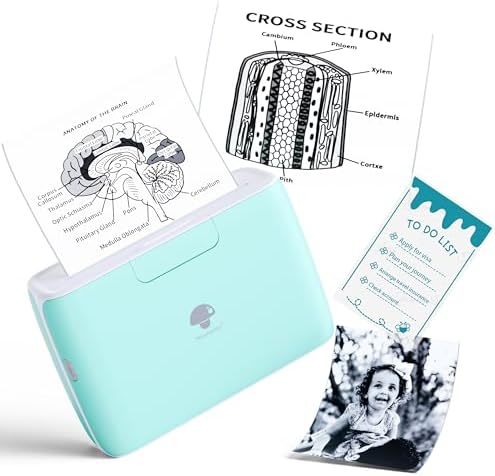
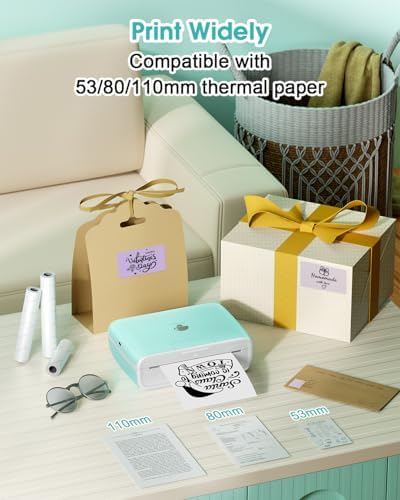
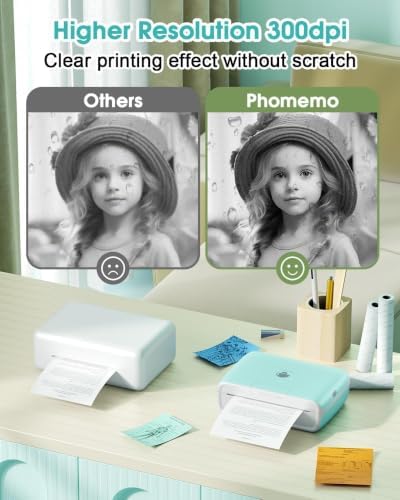
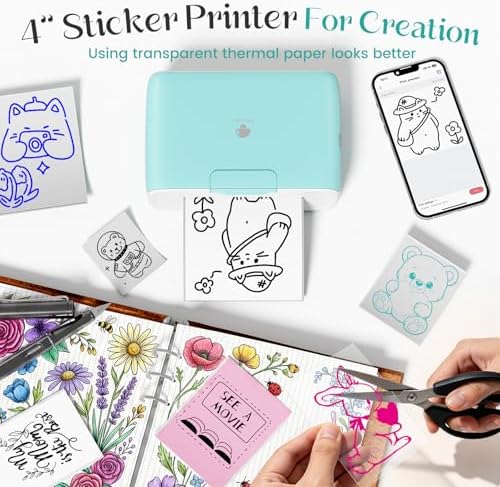
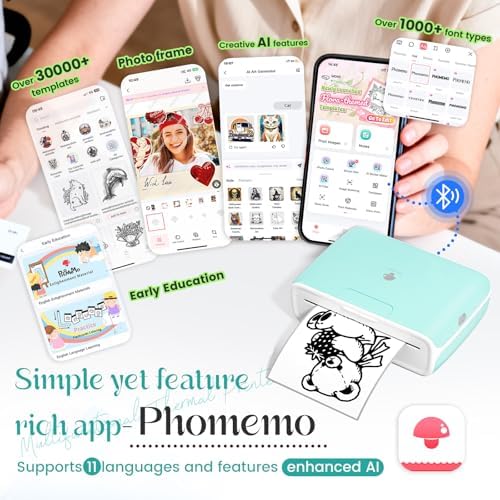
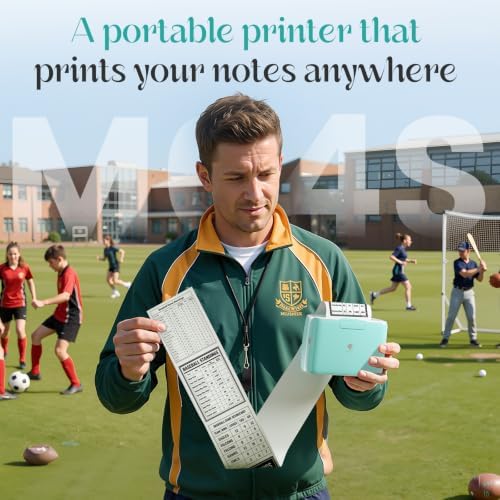
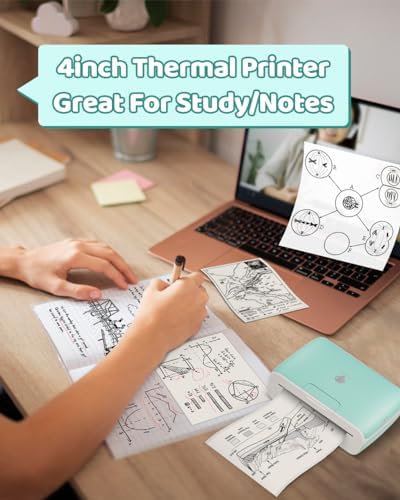
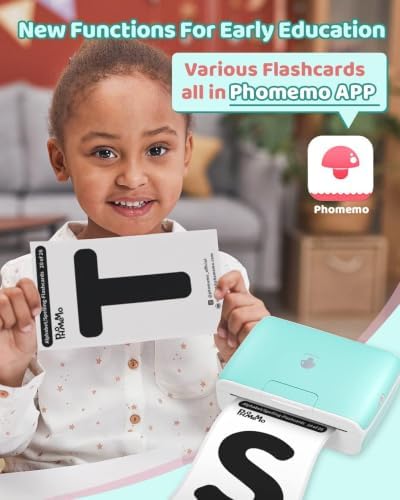
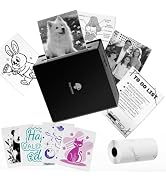
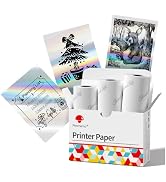
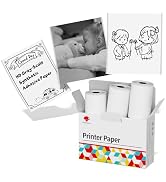
About this item Adjustable 2/3/4-Inch Printing- Phomemo M04S thermal printer supports 2, 3, or 4-inch printing width, offering flexible sizing for all your needs. With true 300dpi high-resolution thermal printing, it delivers crystal-clear prints. No smudging, no paper blackening, just sharp text and detailed images every time. A 110mm white adhesive paper roll is included to get you started instantly. Inkless Bluetooth Printing–Say goodbye to ink cartridges and ribbons. This inkless thermal printer uses heat technology, so all you need is thermal paper. Connect via Bluetooth to your smartphone or tablet with the Phomemo App—simple enough for kids and seniors to master in minutes. AI-Powered App with Free & Premium Content-The upgraded [Phomemo] App now features built-in AI tools for smart image editing, layout generation, and creative assistance. Access a massive library of free and premium templates, artistic fonts, emoji icons, and decorative borders—all updated regularly to keep your creations fresh. The app supports file printing (Word, PDF, TXT), photo printing, and offers 11 language options for global users. Versatile Use – Perfect for Office, School, Home & DIY Projects. This all-in-one thermal printer handles it all: documents, test papers, study notes, sticky notes, labels, photos, and creative stickers. Whether you’re an office worker printing diagrams, a student printing practice sheets, or a DIY lover creating custom lalbels and journal decorations, the M04S mini printer adapts to every need. It’s the ultimate multifunctional pocket printer for daily life. 50+ Paper Styles & Versatile Connectivity-Choose from over 50 types of thermal paper, including white, colored, and transparent sticker rolls—all with a clean printing effect that prevents paper blackening. The printer supports Bluetooth connectivity with iOS and Android, and is compatible with PC editing, allowing you to print Word, PDF, and TXT files directly from your devices. Massive Battery Life–Powered by a high-capacity battery, the M04S sticker printer delivers 5 hours of nonstop printing on a full charge and boasts an impressive standby time of over one month. Charge easily via Type-C port and take it anywhere—school, office, travel—without worrying about frequent recharging. Makes a perfect gift for Christmas, birthdays, or Valentine’s Day for family and friends. › See more product details











DianaDiana –
A lifesaver for my Etsy small business
Can’t recommend this little guy enough for anyone who needs a shipping label printer or needs an all-purpose inexpensive printer for their small business. I’ve been using it almost daily for almost two months now, and I’m about ready to order a new 3-pack of ribbons, which go for about $15. Very economical. It takes 2 inch, 3 inch and 4 inch thermal ribbons, but in a pinch you can always print in 2 or 3 inch width on a 4 inch ribbon, and while it does waste a bit of ribbon, the ribbon’s also cheap and it saves you the hassle of changing them out all the time.I really only use the notes feature (has a very basic built-in word processor) for notes and instructions for my orders, and of course an import photo feature for shipping labels and packing slips. It’s easy to use, Bluetooth always works great, and I haven’t had to recharge it since when I first got it out of the box two months ago, which is genuinely impressive. There are filters and basic photo editing options for making the most of printing out black and white images, and the ones I’ve printed, while not professional photo quality, look decent and sharp. More basic things like text look great and on par with a inkjet/laser printer.I only wish more options would be available for 4 inch ribbons. Since this product is relatively new, 4 inch ribbon colors are rather scarce, and there are some great ones for 2 and 3 inch ribbons like transparent, glitter, pastel, different color “inks” (still monochrome), etc. I can only hope with time these will be available for this size too, but for now it’s still a great machine.This is an absolute workforce for my small business and has already paid for itself in saving entire days of walking to the library to use their printer, making sure to pack a glue stick, tape and scissors with me each time… never again. And I sure as hell am not buying into the scam of conventional printers. Can’t recommend enough. Make more kinds of ribbons, please!
70 people found this helpful
laura c –
Perfect portable printer
Awesome printer!!!!! Make sure it’s fully charged if you notice the print isn’t consistent. I had issues with mine at first. I contacted the phomemo customer service and they helped me fix the issue I was having. They responded to my email within 24 hours. They gave me several things to try and the first one worked. I highly recommend. The app isn’t the best but it works for my needs. I have one of their smaller printers as well and I love that one too.
Mrs CarrieMrs Carrie –
I got an excellent upgrade!
The media could not be loaded.
Setting up the device in the Phomemo app was very easy, simply turned on the printer and clicked to allow access to Bluetooth when the new device was recognized nearby.Printing images, text and even the pre made content in the app is very easy. Maneuvering photos and using the few editing features are simple and neat. I have an iPhone so if I put my photos into albums first, since I have thousands, made that easier to find my pictures.I love how the M04S printer looks and feels. It fits well in my crafting box and so portable. I use this mainly for my bullet journaling but I also use it to print photos my kids take because there’s no ink required!Because it has a USB C charging port, it’s already easy to charge because we have so many of those cables around our home, and surprisingly it charges quickly! It shows a flashing green light when charging and turns off when it’s done.I honestly love this little printer, the fact you can print three different width thermal paper is incredible. The photos show the paper in the middle, really it’s on the side. Either way this thing works and is worth the money to have. It will last me a long long time!Customer service has also been incredible. I’m impressed with how responsive they are and the messages show they care about their product and customers.Thank you Phomemo for making a product that really supports my craftiness! ❤️I still have the TS02(?) the smaller teal colored thermal printer from Phomemo and I thought that one was awesome, this was a huge upgrade well worth it!
43 people found this helpful
Elizabeth DarcyElizabeth Darcy –
Versatile and Compact Little Powerhouse of a Printer, But Not Without Limits.
This is an easy-to-use “mini printer” that prints anything up to about four inches wide. It comes with one roll of paper that is inside the printer but will need to be installed. At first, I thought it didn’t even come with any paper, so make sure you open the printer to check because there is a roll there. I have several other Phomemo printers, so I thought my existing Phomemo app on my phone would find it, but it didn’t. I headed to the app store to see if there was another Phomemo app, which there was. After downloading that one I was able to find this printer immediately. It would be nice if you could run all their products from a single app, but I understand that this printer’s functionality is substantially different from my other Phomemo printers with are more for printing labels and barcodes.Once the app located the device, I was able to play around with the different options available. There are quite a few things you can do with this, but I’m not sure how useful any of them will be for my particular needs. I thought this would be great for printing photos from my phone, and it does do a decent job of that, although I don’t think the paper that came with the machine (transparent adhesive) is the best choice for photo printing since it’s transparent. The upside of transparent paper is that you could stick it on colored paper to create a layered effect. I’ve put pictures of two of the photos I printed from my phone so you can see the quality of the print when using it for that kind of application. As you can see, there are obvious artifacts in the photos, but this isn’t a photo printer per se, so this is to be expected. The photos are not archival quality and won’t last over the long term, with an average image retention of 10 years, so this is better for something like a picture you want to turn into a sticker and not something you’d put into a scrapbook. There are other papers out there that are compatible with this printer and are more in line with using it for photo printing and even though I haven’t tried them yet I would expect some level of improvement in the overall end result.The app that you need to use with this printer doesn’t have a steep learning curve and you’ll figure it out fairly easily even if you’ve never used a printer like this before. To make it even easier for users, Phomemo has included a vast array of templates that you can customize to give you inspiration for new ways to use the machine. There are an equal number of graphics that you can use to customize your creations. The downfall of the app for me was that you can’t do much customization with the text. If you use a template, there isn’t any way to center, bold, underline, adjust line spacing, or font style. You can do this using the “Notes” function, so it seems like it’s only limited if you use a template. I did create a “note” using different fonts and other style adjustments, thinking maybe I could copy the note and paste it into the template. You can do that, but it will not preserve the formatting, so that’s a bummer. Obviously, it takes a bit of trial and error to sort this stuff out, but that’s true of any new device you’re trying out for the first time.The largest learning curve for me with printers of this type has been adjusting to the paper sizes which are defined in millimeters instead of in inches. This model accepts paper rolls that measure 53, 80, or 110 millimeters wide, which are roughly equivalent to 2, 3, and 4 inches wide. I did notice that the back of the paper has a sort of watermark – they should use that to indicate the paper size, which I would find infinitely helpful, especially if you use different papers of different sizes and change them regularly. The user’s manual included gives some additional advice about what type of papers to use and what the expected image retention is for each type so that you can pick the appropriate type for your particular application. There is quite a range of paper compatible with this printer including different colors and ones that are adhesive and ones that aren’t. They’re relatively inexpensive depending on how many things you plan to do with this printer.Overall, I like this printer a lot. It’s very versatile but I think it’s more in the lane of doing craft-type projects or creating things for kids than it is for business and general household tasks. Not that you couldn’t use it for all of the above, but the templates and graphics put it more firmly in the creative crafting category for me. I do wish that the app I use with my Phomemo label printer had as many templates and graphics available as this one does! This printer is substantial and has a solid feeling build quality which is on par with all the Phomemo printers I’ve tried. The company is responsive if you run into any issues or just have questions and the printer has a one-year warranty.
80 people found this helpful
Moni Simões –
I love these little printers!!!
UPDATE. The printer they sent me to replace the one that was having problems arrived faster than I expected. I tested it and everything worked perfectly. They sent me an extra box of rolls. The contact and communication with the team was very good. I recommend the product!I like these small printers, they make my life much easier. I’ve had a mini T02 for over a year and it’s always worked well, without any problems.I ended up buying a bigger one, the M04S printer. I fell in love with it. It was everything I needed, but it started to have problems after a few months. I contacted the brand’s support and they guided me through everything I needed to do, they were very helpful.Now they’re sending me a new printer, since the one I had was still under warranty. I’m very satisfied and will definitely buy others.I recommend the brand.
One person found this helpful
Anonymous DJAnonymous DJ –
Beautiful Crispy Clean Print! But….
CAUTION…. IN 20 YEARS I have NEVER LEFT A NEGATIVE REVIEW ABOUT ANY AMAZON PURCHASE BUT HERE GOES! After a week of using this delightful little printer, I could no longer use the ONE AND ONLY Phomemo App WITHOUT paying a subscription fee of $6.99 a week or $29.99 a year. I’m going to by a different tiny printer and SMASH THIS ONE TO SMITHEREENS. There should have been a disclaimer in the Amazon description requiring a downloaded App. No Fair!
45 people found this helpful
Luis GutierrezLuis Gutierrez –
Software is the problem.
This is supposed to be the best heat-based printer out there, and from a physical quality standpoint, it absolutely delivers. However, the software is a huge letdown. There are two apps to control the printer—one feels like a toy app, and the other looks polished and professional. Unfortunately, the printer only works with the toy-like app, which gives off serious Windows 95 PrintMaster vibes. It’s frustrating to have such great hardware paired with such dated and clunky software.Skip this and buy the more professional quality printer, unless printing cringeworthy graphics is your thing.
4 people found this helpful
Nothing but girls –
Unique fun!
Purchased this for my 15 yr old daughter who is hard to shop for. She loves it and she gets her friends together to print stickers. The picture quality depends on the image but is very easy to use and adjust the size. It’s portable. She will take it to a friends house. I have had her make a few labels for me around the house as well.
One person found this helpful
Jamie Lynn –
Battery problems
I actually do love this printer, it is my second one after my first one lasted almost 4 years… however this new printer is already having battery issues. I have had it for one month and the battery will not hold a charge. I have only used the power cord that it came with but unfortunately it doesn’t come with the power source that the cord plugs into so I had to use my own and this probably damaged the battery because I didn’t know that you can only use a power source that is 5V. This may have been in the small print somewhere but it was really not made clear that a stronger power source could damage the battery and this is a really big flaw in my opinion. My other complaint is that the label paper is very expensive and doesn’t last very long so this inexpensive machine ends up being very expensive overall if you are printing tons of labels like I do… I will be purchasing an HP printer in the future that is about twice the price of the Phomemo but the labels cost 1/3 of the price of the Phomemo labels so I will save lots of money in the long run. I hope this is helpful to other sellers that use this product.
Jessica Thrall –
Good printer
The printer is a fun little item. The speed is decent and connects to the app well. It has great battery life right now and looks great. You unfortunately have to pay a subscription for a lot of the items but there is free items. Down side is it is all black and white no color.